Short Direct Intro
When the Ninja Professional Plus BQ800 refuses to power on, it can bring meal prep to a frustrating halt. This guide from ApplianceMaster walks you through the six most common causes of a dead blender and provides clear, step-by-step fixes. Whether it’s a simple reset or a deeper electrical issue, you’ll find practical solutions to get your BQ800 spinning again.
1. Why Is the Ninja Professional Plus BQ800 Blender Not Responding After Plugging In?
If the blender shows no lights, no sound, and no motor movement after you’ve plugged it in, the first step is to check the outlet. Use a lamp or other small appliance to confirm the outlet is live. If the outlet works, the issue likely lies with the blender’s internal electronics or a tripped circuit breaker in your home.
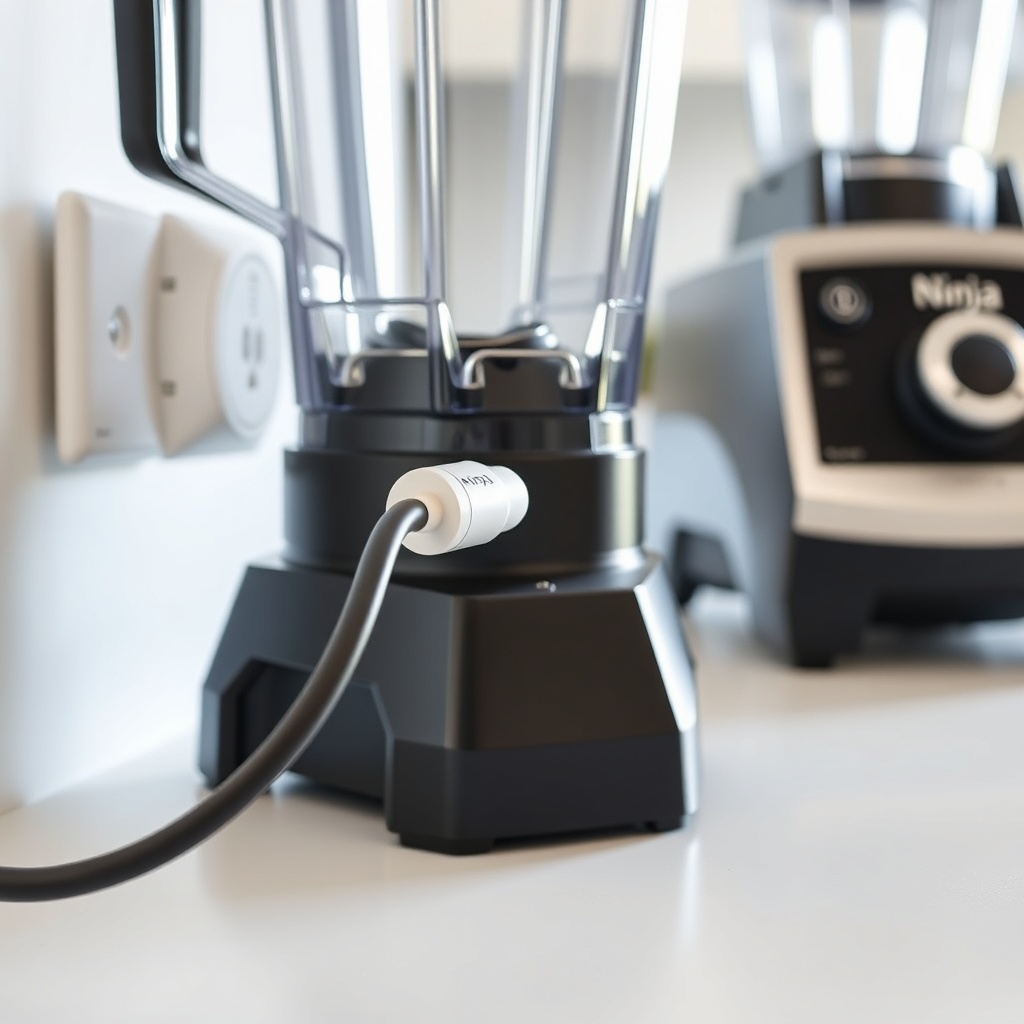
Next, inspect the power cord for any cuts, kinks, or frayed ends. A damaged cord can interrupt power flow. If the cord appears intact, try plugging the blender into a different outlet, preferably on a different circuit, to rule out a faulty breaker.
2. How to Reset the Ninja Professional Plus BQ800 After a Thermal Overload
The BQ800 has an internal thermal protector that trips if the motor overheats from prolonged use or heavy blending (e.g., crushing ice or frozen fruit for extended periods). When this happens, the blender shuts down completely and won’t power on until it cools.
To reset it:
- Unplug the blender from the wall outlet.
- Remove the pitcher and lid.
- Let the base cool for at least 15–20 minutes in a well-ventilated area. Do not place it in a refrigerator or freezer; rapid cooling can damage internal components.
- After cooling, plug it back in and try pressing the power button. If it works, the thermal protector has reset.
If the blender still won’t turn on after cooling, the thermal fuse may have blown and requires replacement by a qualified technician.
3. Are the Blender Pitcher and Lid Properly Seated? (Safety Interlock Issue)
The Ninja Professional Plus BQ800 uses a safety interlock switch that prevents the motor from running unless the pitcher and lid are correctly locked into place. If you see no lights at all, the interlock may not be engaged.
Check these points:
- Ensure the pitcher is pushed down firmly onto the motor base. You should hear a click.
- Twist the lid clockwise until it stops. The arrows on the lid and pitcher must align.
- Inspect the tabs on the pitcher base for cracks or debris. Even a small chip can prevent proper seating.
- Clean the contact area on the motor base with a dry cloth to remove any residue.
If the interlock is damaged, the blender will not power on. Replacement pitcher and lid assemblies are available directly from Ninja and usually cost between $25 and $40.
4. What to Check if the Power Button on the Ninja BQ800 Feels Sticky or Unresponsive
Over time, food splatters or sticky spills can seep under the power button on the control panel, making it hard to press or causing it to stay partially depressed. A stuck button can prevent the blender from turning on or cause erratic behavior.
To resolve this:
- Unplug the blender.
- Use a toothpick or soft plastic tool to gently lift the edges of the button and check for residue.
- Clean around the button with a cotton swab dipped in isopropyl alcohol (70% or higher). Let it dry completely for 10 minutes.
- Test the button’s movement. It should click cleanly.
If the button is physically damaged or the control board is corroded, the control panel assembly may need replacement, typically costing $30–$50 from a Ninja authorized service center.
5. Could a Blown Fuse or Faulty Capacitor Be the Cause of No Power?
If the blender still shows no signs of life after troubleshooting the outlet, cord, and interlock, an internal electrical component may have failed. The BQ800 contains a small glass fuse on the main PCB that can blow due to a power surge or age. A failed capacitor (often a bulging or leaking electrolytic type) can also stop the power supply from working.
This diagnosis requires:
- Opening the base (disclaimer: this voids the warranty if not authorized).
- Using a multimeter to test the fuse for continuity (should read close to 0 ohms).
- Checking capacitors for visible swelling or leakage.
If you’re comfortable with electronics, you can replace a blown fuse (typical rating: 250V, 10A) or a bad capacitor. Otherwise, contact Ninja customer support or a local repair shop. A professional repair for this issue ranges from $50 to $80, including parts, depending on your area.
6. What If the Blender Smells Like Burning or Makes a Humming Noise but Won’t Spin?
A humming noise combined with a burning smell indicates the motor is trying to start but cannot. This is often due to a jammed blade assembly or a seized motor bearing. Do not assume the blender has no power; it has power but is blocked.
Immediate steps:
- Unplug immediately.
- Remove the pitcher and check for obstructions like a frozen fruit chunk or a utensil lodged under the blades.
- Spin the blades manually (with the unit unplugged). They should rotate freely. If they stick, remove the pitcher base and clean thoroughly.
- If the blades are free but the motor still hums, the motor or its start capacitor is likely faulty.
Continued use could damage the motor further. Either replace the motor assembly (not user-serviceable for most owners) or replace the blender. A new BQ800 base unit costs approximately $70–$100.
Quick Severity Reference Table
| Issue | Severity Level | Action Needed |
|---|---|---|
| Outlet or cord problem | Usually not urgent | Check outlet and cord; replace cord if damaged. |
| Thermal overload | Usually not urgent | Let unit cool for 15–20 minutes. |
| Safety interlock not engaged | Usually not urgent | Reseat pitcher and lid; clean contacts. |
| Sticky power button | Usually not urgent | Clean around button with alcohol. |
| Blown fuse or capacitor | Needs attention soon | Test/replace fuse; reseat or replace capacitor. |
| Motor jammed or seized | Needs attention soon | Clear jam; replace motor if necessary. |
What Owners Say About the Ninja Professional Plus BQ800 No Power Issue
From our community of BQ800 users, common themes emerge. Many owners mention that a simple cool-down fixed their problem after a heavy smoothie session. One owner noted, “I had made three thick smoothies in a row, and the blender just stopped. I unplugged it for 30 minutes, and it worked perfectly after.” Others report persistent power issues after a year or two. A user shared, “My BQ800 suddenly had no lights, no nothing. Tried every outlet. A repair shop found a blown fuse—cost me $45 to fix.” A few owners point out that the blender can be finicky about the lid being perfectly aligned, but once seated, works reliably.
Frequently Asked Questions
1. How long should I wait after a thermal overload before turning the blender back on?
Wait at least 15–20 minutes. If the blender still does not turn on, allow it to cool for an additional 10 minutes. Do not submerge or refrigerate the base to cool it faster, as this can damage the electronics.
2. Will using a surge protector prevent the BQ800 from losing power?
Yes, a surge protector can help protect the blender from voltage spikes and reduce the risk of a blown fuse. Use a basic surge protector rated for at least 1000 joules for kitchen appliances.
3. Can I replace the power cord on the Ninja Professional Plus BQ800 myself?
It is not recommended unless you have experience with appliance repair. The cord is soldered to the internal PCB. If the cord is damaged, contact Ninja customer service or an authorized technician for a replacement.
4. Is the BQ800’s motor supposed to make a clicking sound when not blending?
A single click when pressing a button is normal—it is the safety interlock engaging. Continuous clicking or buzzing without spinning indicates a problem (see Section 6).
5. Why does the blender sometimes power on but the blender doesn’t spin?
This usually points to a jammed blade or a failed motor start capacitor. Unplug, check for obstructions, and if clear, have a technician check the capacitor.
6. How do I know if the fuse on the BQ800 is blown?
Use a multimeter set to continuity or resistance. Remove the base cover, locate the fuse (often a glass 250V 10A tube), and test across its ends. A reading of infinite resistance means the fuse is blown.